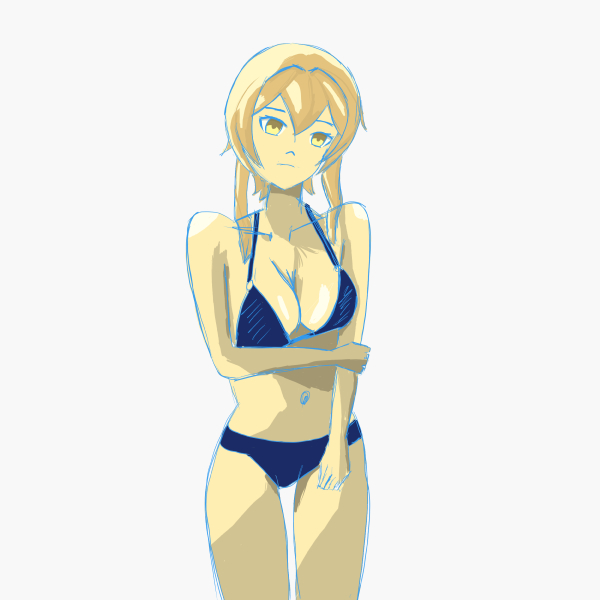
Hello, Sumine here! Today, on September 16, 2025, I continued my drawing practice.
Hopefully, this drawing journey can serve as a reference for you.
Today, I want to experiment with different workflow methods.
I’m drawing Lumine, a character from the game Genshin Impact.
For the coloring step, I haven’t fully learned the techniques yet, so I only applied basic color theory.
Thus, I only got as far as the line art—and it’s still rough, so please bear with me 😅
Let’s start with:
Sketching Stage
Background Sketch

Since the background is symmetrical, it made drawing the character easier 😀
Rough Sketch
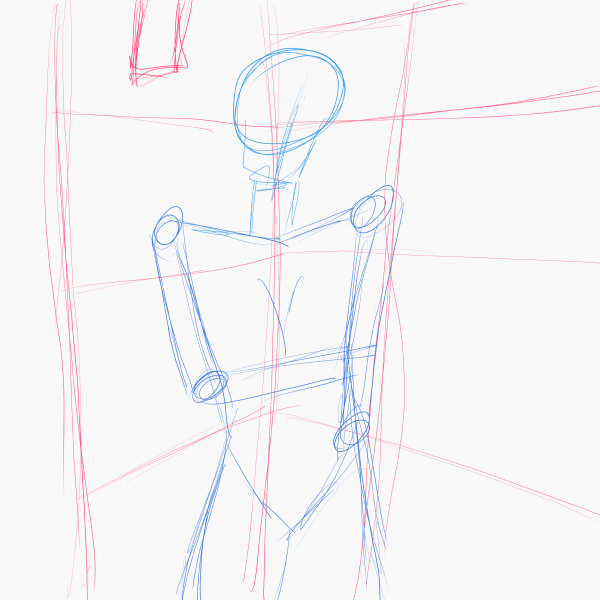
This is a very rough sketch. At this stage, I focus only on outlining to capture the overall feel.
3D Sketch

After the rough sketch, I redrew it with a 3D perspective, adding imaginary lines to convey depth.
Detailed Rough Sketch

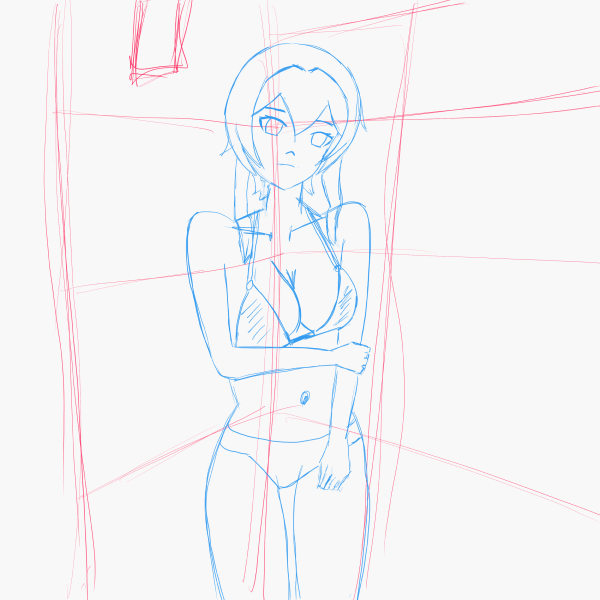
Next, I created a sketch on top of the 3D model for better detail.
Line Art

Coloring Stage
Base Colors

Now, I add base colors for hair, skin, and clothing.
Lighting

I then added light reflections on the skin, hair, and clothing using slightly reduced base color values by 10%.
Shadow 1

Added the first shadow layer for basic shading.
Shadow 2

Added the second shadow layer for the darkest areas, typically around skin creases.
Video
You can watch the timelapse video below:
Download Files
You can download the raw file below:
Info
Drawing setup:
Device: Samsung Tab S10 FE
Software: Clip Studio Paint v4.1.1
Date created: September 16, 2025

Tinggalkan komentar